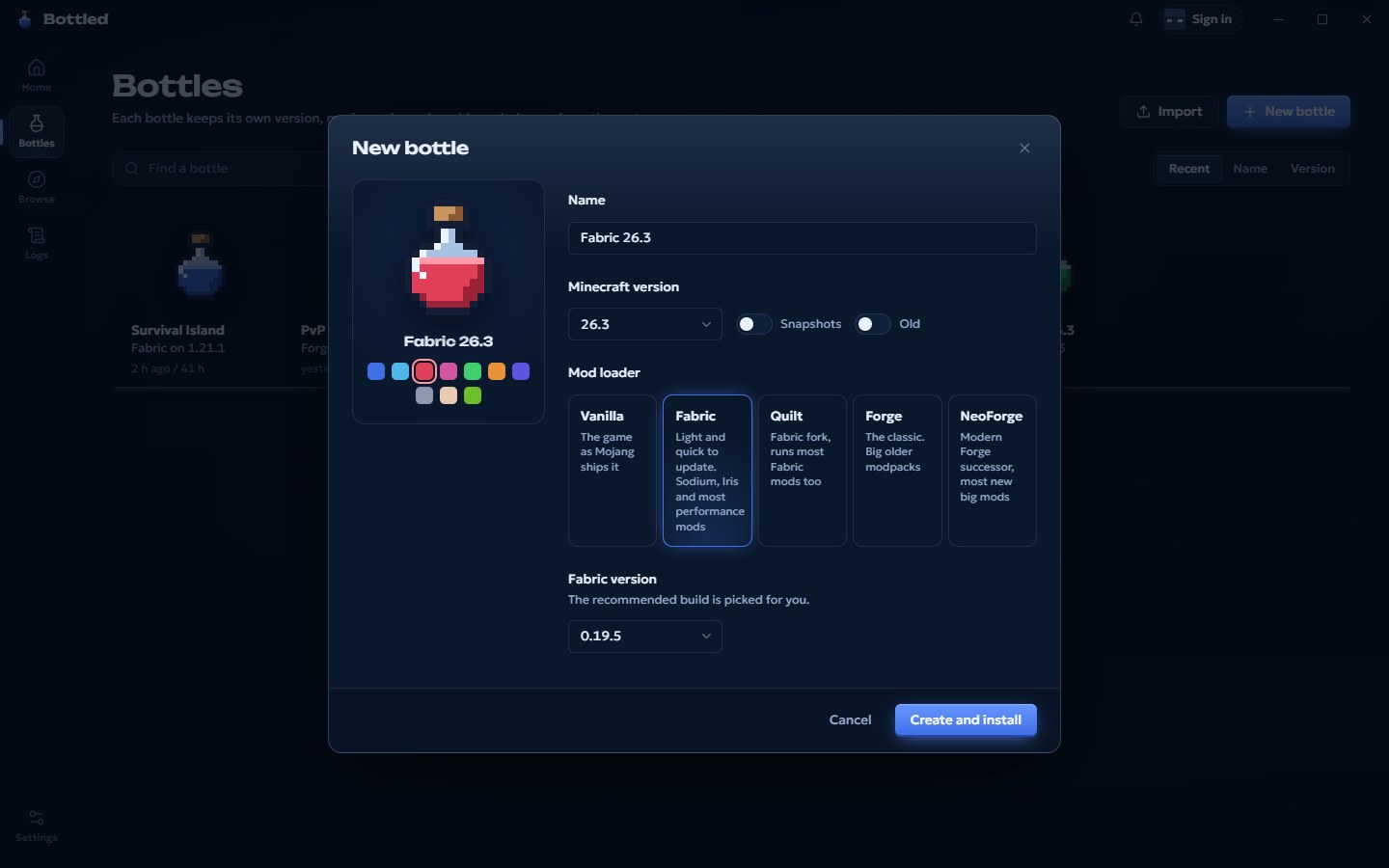
Vanilla
The game exactly as Mojang ships it, releases and snapshots.
A launcher for Minecraft: Java Edition. Each bottle keeps its own version, mod loader, mods and worlds, so trying a snapshot or a 300-mod pack never spills into the rest.
A bottle is a whole Minecraft install with its own game folder, Java, memory and settings. Break one and the others never notice.
Pick a bottle and go. Missing game files, the right Java build and the mod loader all get sorted on the way, and the button fills up while it happens.
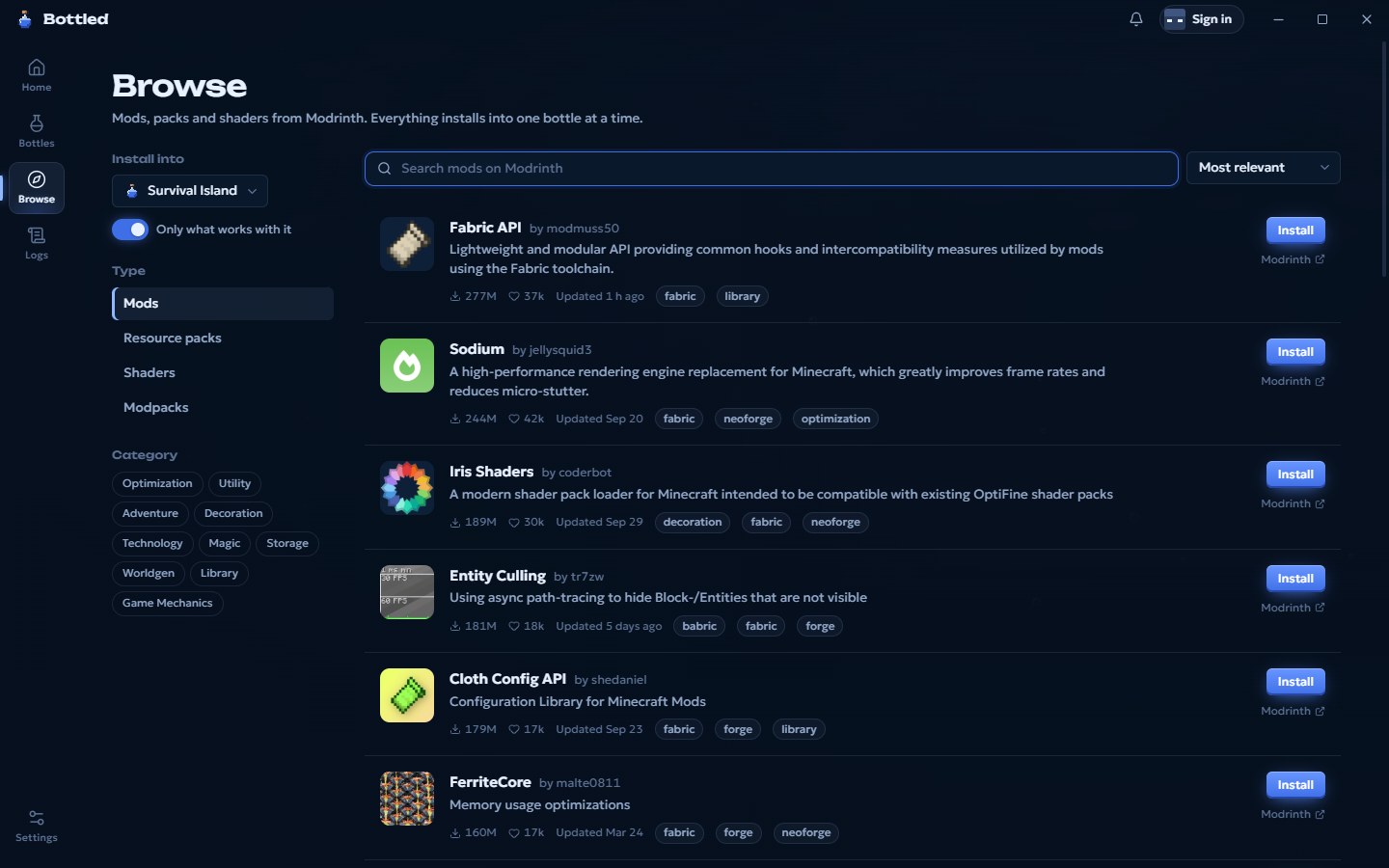
Search Modrinth from inside the launcher. Required dependencies come along on their own, and every file is checked against Modrinth's hash before it lands.
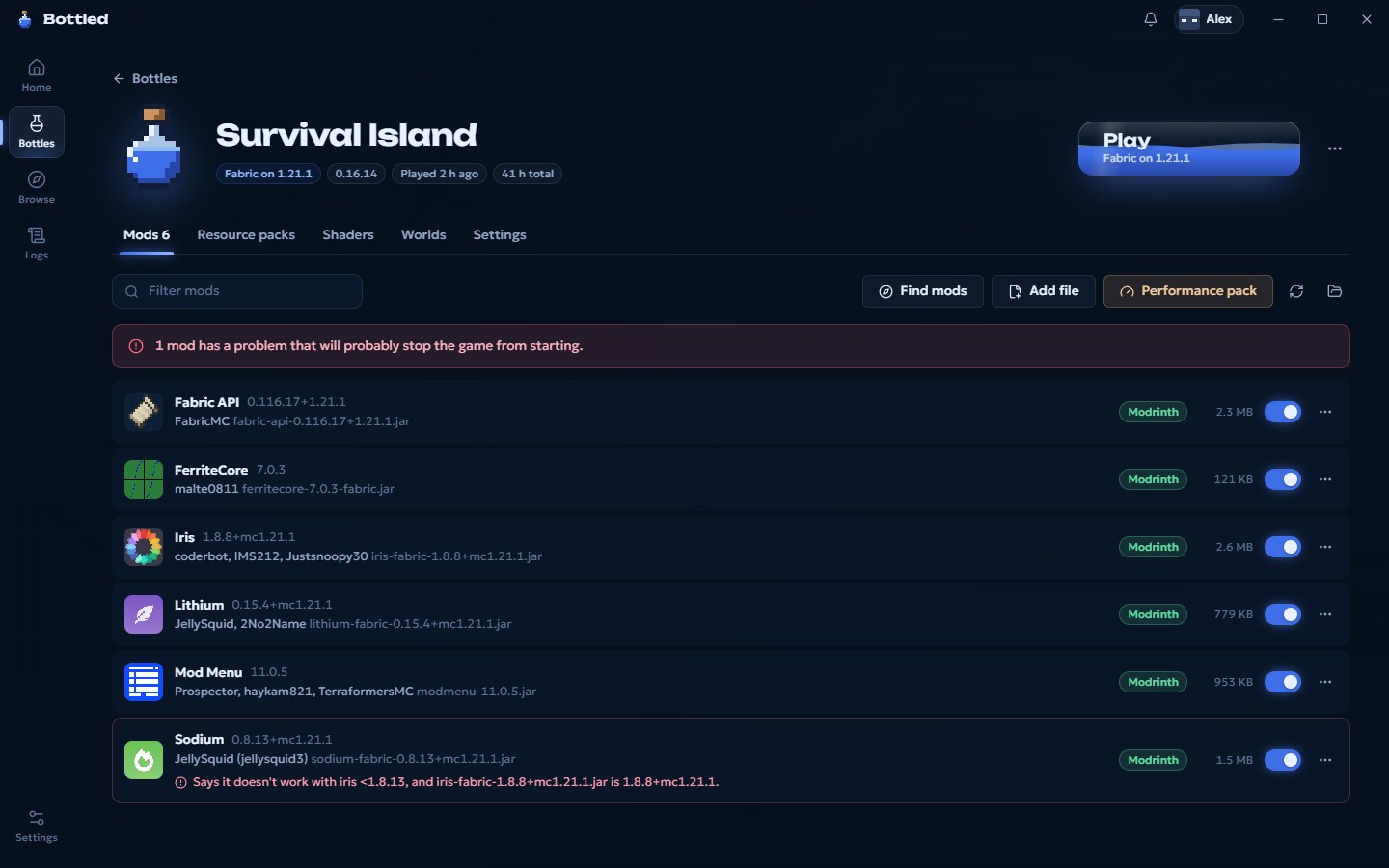
Bottled reads every jar. Wrong loader, missing dependency, a mod that says it breaks another one: you get it in plain words, not a stack trace after a two minute load.
Vanilla, Fabric, Quilt, Forge or NeoForge, from the newest snapshot back to 1.8.9 PvP and beyond. Recommended loader builds are picked for you.
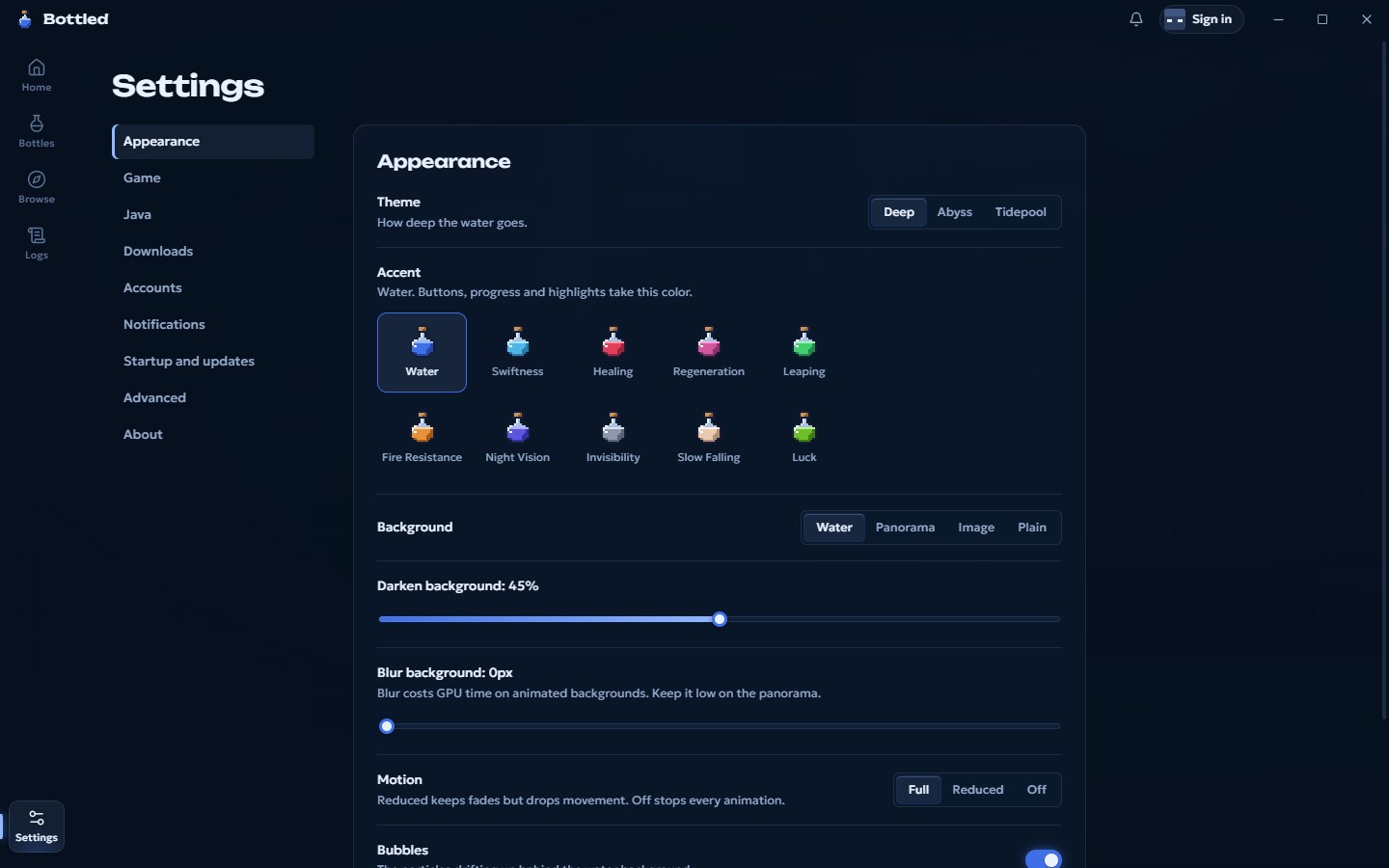
Ten potion colors, three depths of water, the game's own title screen as a background, and motion you can turn down or off.
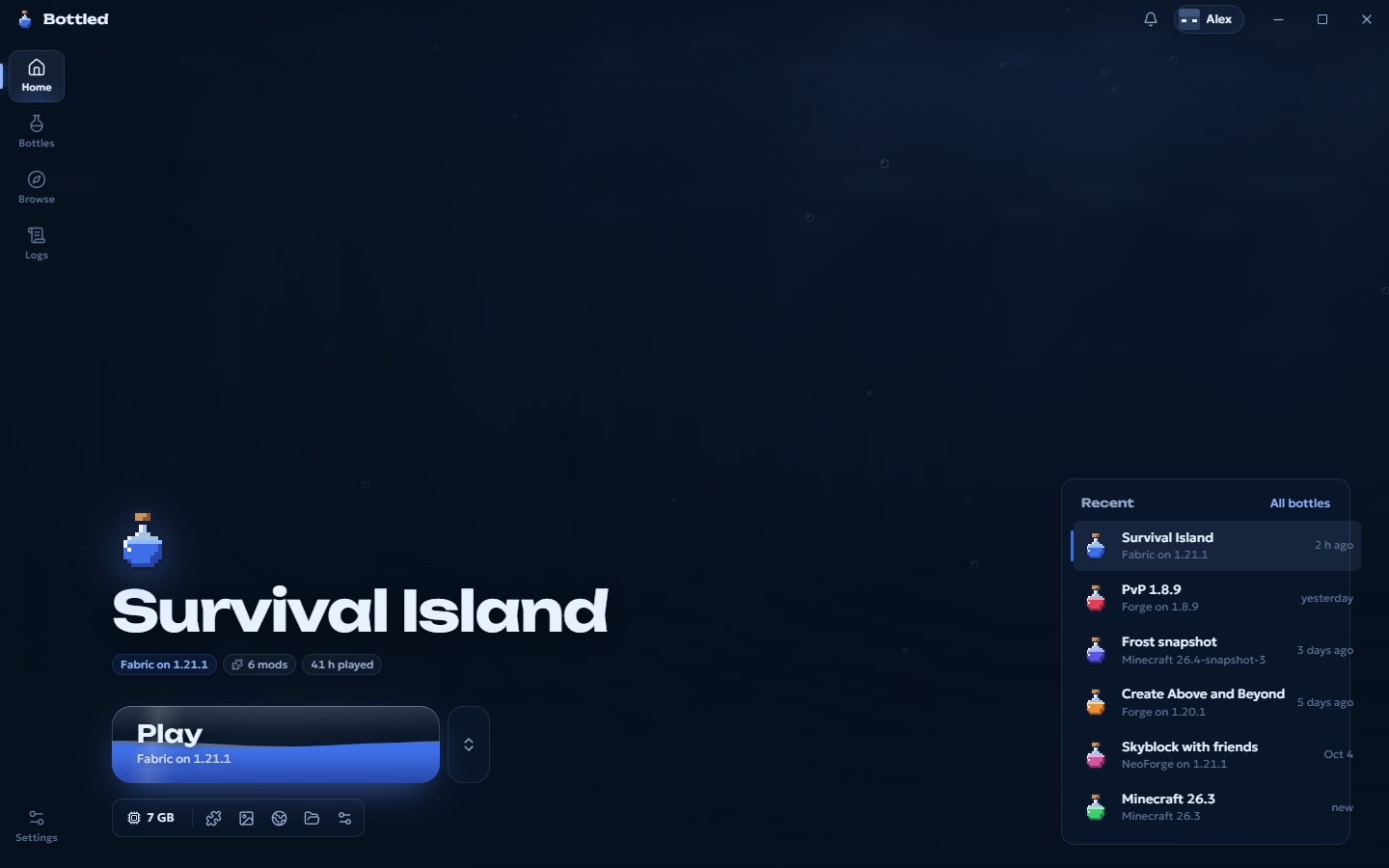
Its liquid is your download. When it's full, the game starts. Give it a press, nothing actually downloads here.
Click it.
The game exactly as Mojang ships it, releases and snapshots.
Light and quick to update. Home of Sodium, Iris and most performance mods.
The Fabric fork. Runs most Fabric mods too.
The classic, from 1.8.9 PvP to the big 1.20.1 packs. Installed with Forge's own installer.
Where most new big mods live now, including the new 26.x versions.
Each Minecraft version wants a specific Java. Bottled downloads the exact build Mojang ships for it, checks every file, and keeps them out of your system. You never install Java yourself.
Bottled is free. Sign in with the Microsoft account that owns Minecraft: Java Edition and you're in.
Download for WindowsThe installer isn't code-signed yet, so Windows SmartScreen may warn you. Choose More info, then Run anyway. macOS and Linux builds aren't out yet.
8cbd55f2dc17c008469e466c8dc8022fa4d1cc352600b0398ae7c2d6099a95a7